
The 36-second tour
Catch it, save it, send it, lock it away.
- 0:00
- Catch
- 0:07
- Save
- 0:11
- Offline
- 0:16
- Send
- 0:21
- Safe Folder
- 0:29
- Screen off
Why it works
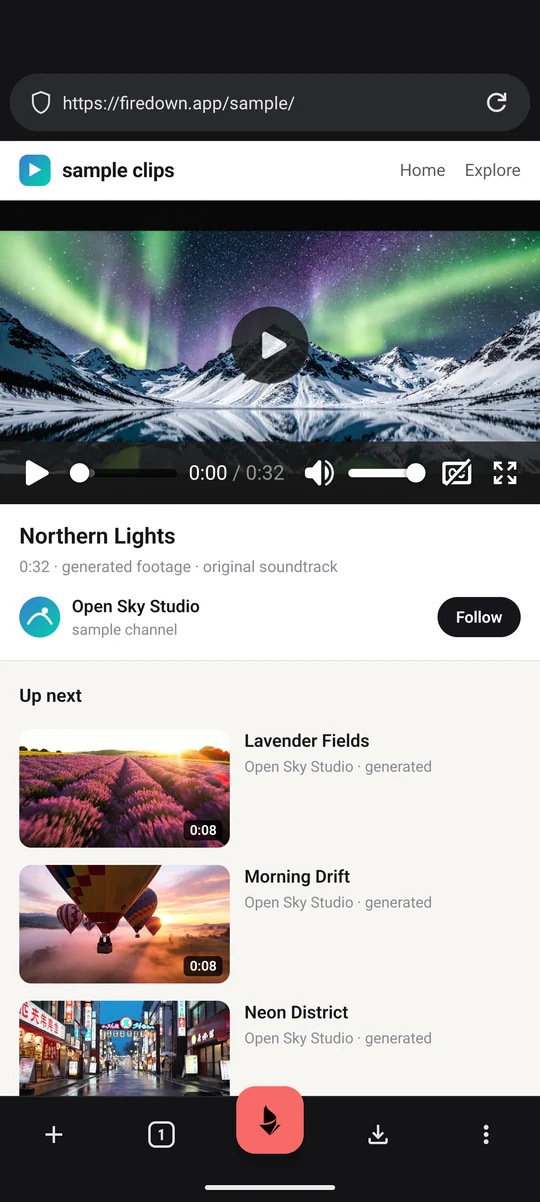
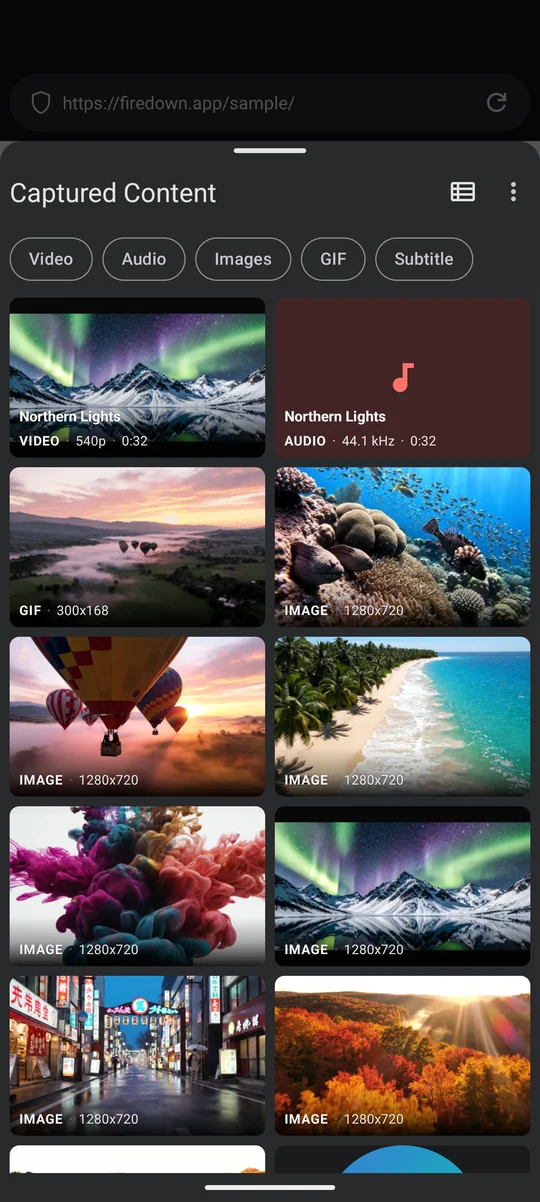
Firedown is a full browser, built on Firefox's GeckoView engine with uBlock Origin inside, so ads and trackers are blocked before they load. Pages run with your own logins and the site's own player, exactly as they would anywhere else. The Fire-Button lists the media the page loaded, and you pick what to keep.
In the app
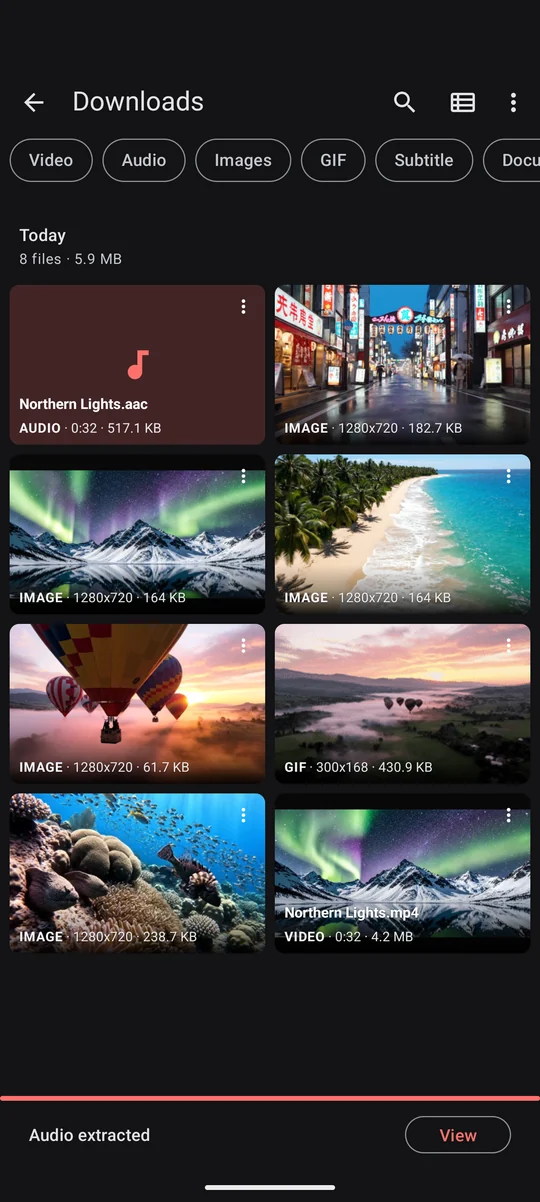
A page as it loads, what the Fire-Button found on it, and what came home. Real screens from the app, on a sample page of our own.
What it saves
YouTube up to 4K, with audio that keeps playing when the screen is off. No YouTube Premium needed. Instagram, TikTok, Twitch, Facebook, X, Reddit, Kick, Rumble, Vimeo, Dailymotion, Telegram, and direct hosts like Mega. If it isn't DRM-protected, it saves.
A finished download can go straight to another phone, end-to-end encrypted over WebRTC with nothing stored on a server, or into the Safe Folder behind your PIN or fingerprint, invisible to every other app.
Can't, not won't
There are no analytics, no tracking and no account. The only thing the app sends us on its own is the update check, which counts installs with a token that changes every month (the privacy policy has the details, and names what the browser engine and the ad blocker fetch by themselves). Downloads go from the site straight to your phone with no server of ours in between, so there is nothing for us to log and nothing to hand over.
Bookmarks and backups are encrypted on your phone before they leave it, under a recovery code only you hold. Backups go to storage you choose, a folder on Google Drive, Dropbox, Nextcloud or an SD card, a WebDAV server or an S3 bucket, so the provider stores files it cannot open and no server of ours is involved. Lose the code and the data is gone for good, for you and for us.
Bookmark sync and backup are free, and both are off by default. The full picture is on the security page, and every claim maps to a file in the public source.
Install
Install from Zapstore, F-Droid, Obtainium, or the APK below. Firedown is not on the Play Store, so searching there will not find it. Every build is signed with the same key and verifiable against our GitHub releases. Android phones only.